Run your news site like an agency — with a single editor.
You pick a story from your sources; Gastte writes an original article, designs its cover and prepares it for the podcast and social media. You have the final say.
The sites you follow and news agency wires gather in one pool. Copies of the same story from different sources merge into a single row.
02
Written
When you click “Write with AI”, the headline, standfirst, body, tags and SEO fields are written with your own AI key; the source is credited.
03
Checked
The text is compared with the source; questionable claims and typos are flagged. You read, correct and approve.
04
Distributed
Cover, carousel and story are designed. It goes to your news site, 8 social networks, the newsletter and the podcast.
Inside the dashboard
Every screen you see works today.
The screenshots below are from the live dashboard; only people's and account names are hidden.
Newsroom
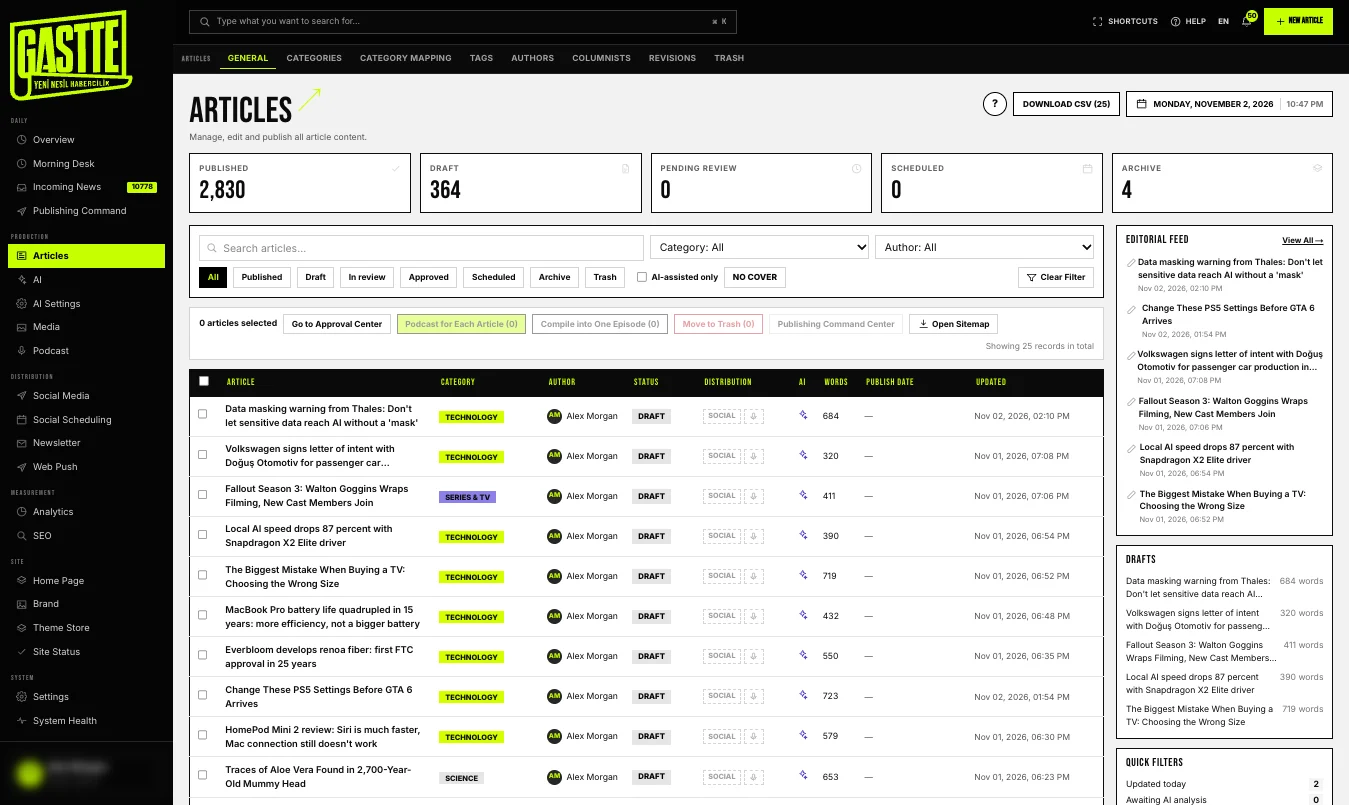
All your stories in one list.
From draft to published, every story's status, category, author and social distribution at a glance. Bulk actions, version history and trash are built in; an accidentally deleted story can be restored.
Incoming news pool and one-click writing
Proofreading and source comparison
Approval queue and scheduled publishing
panel · newsroom
Social media
Eight networks, one button.
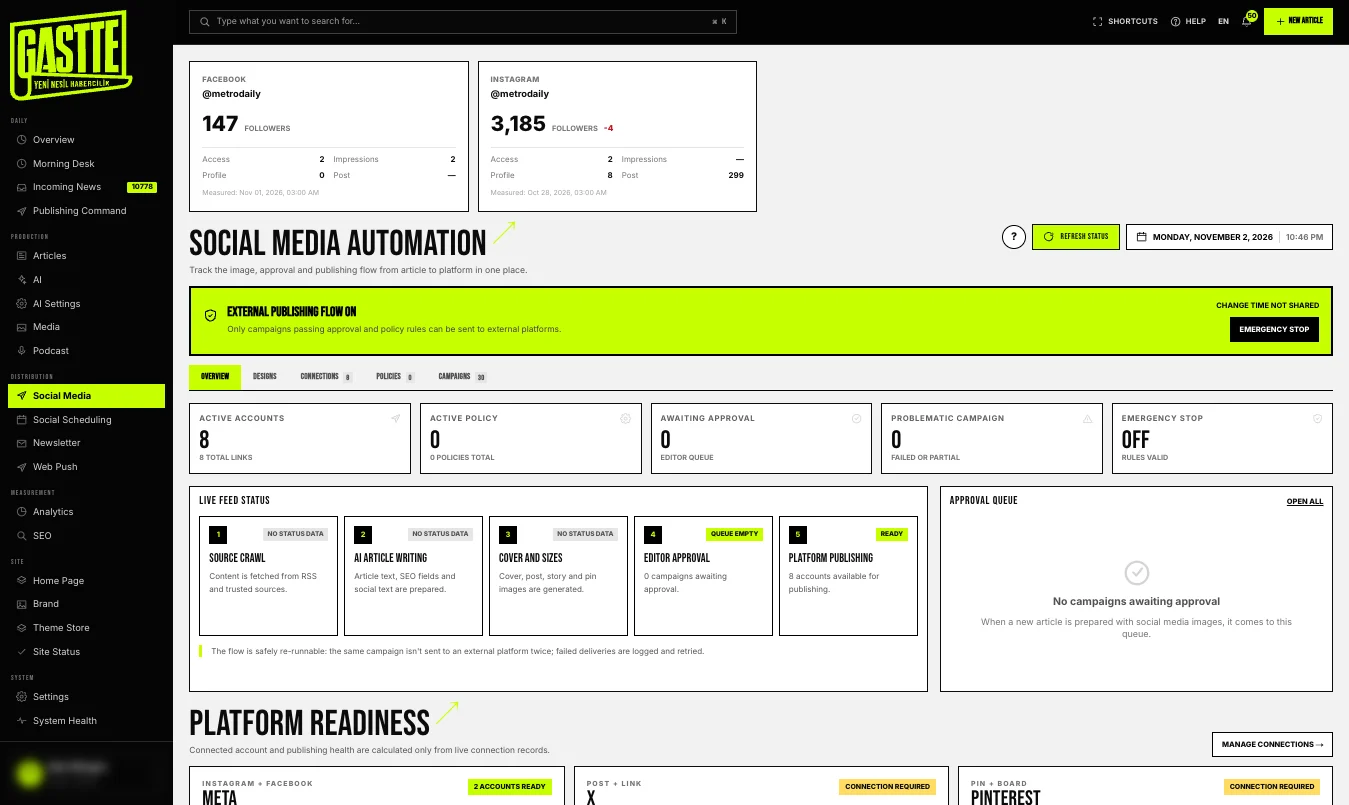
Facebook, Instagram, X, LinkedIn, Pinterest, TikTok, YouTube, Telegram. Connect your accounts once; every story is prepared for sharing with its cover, carousel and story. If you like, it comes to you for approval first.
Automatic cover, carousel and story from each article
Approval queue and scheduling
One-click emergency stop
panel · social media
Podcast
Today's news, an episode without a studio.
Your selected stories become a two-host episode script, which is then voiced. The episode lands on your site's podcast page and reaches listening apps via RSS.
Script and voiceover from the news
Episode page and transcript
RSS compatible with Spotify and Apple Podcasts
panel · podcast
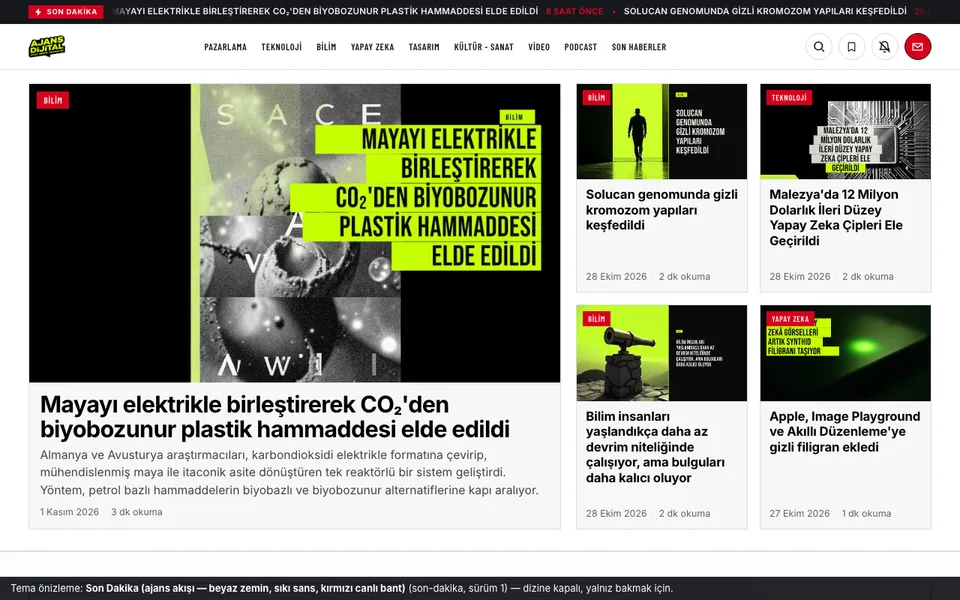
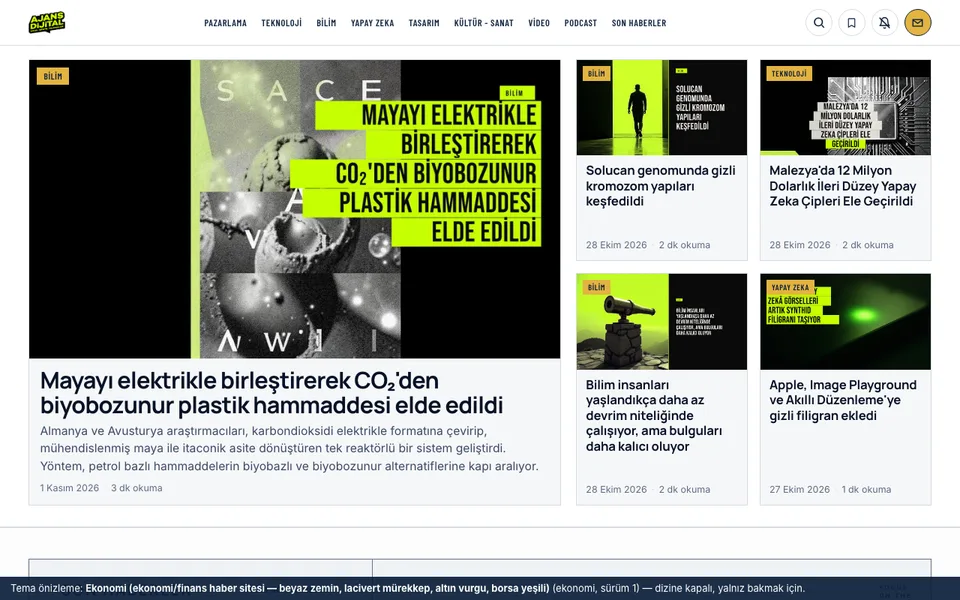
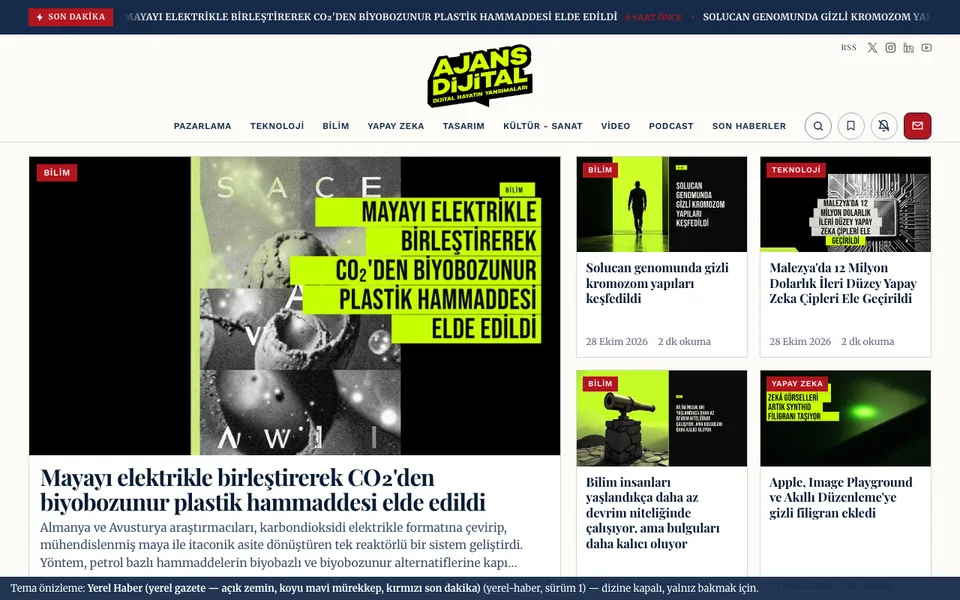
Theme store 30 news themes; upload your logo and the colors fall into place.
SEO center Search Console, page speed and the news sitemap on one screen.
Newsletter Daily and weekly email newsletters are prepared and sent automatically.
Add your domain on the My Domain screen in the dashboard. First you enter a TXT record that verifies ownership; once verified, you point your DNS record to us. The SSL certificate and go-live are tracked in the dashboard, and your old subdomain redirects to your new address automatically.
Do I have to enter an AI key?
At least one provider key is needed for automatic story writing and for generating headlines, summaries, images and podcasts. You enter the key and pay the provider yourself; we are not a middleman. Keys are stored encrypted and never shown on screen again.
Is my data kept separate from other publications?
Yes. Each publication has its own database, media storage and background jobs. One publication's data, cache or notifications never leak into another.
Can I migrate my WordPress site?
Posts, categories, images and authors are imported; your old URLs are preserved and your search rankings aren't lost. To migrate, just write to our support address.
Can I work with my team?
You can add users with roles such as writer, editor and administrator. Who did what is kept in the audit log, and two-factor authentication can be turned on. The number of users depends on your plan.
How are backups done?
Each publication's database and media are backed up separately on a regular schedule; the age of the latest backup is shown on the Backups screen in the dashboard.
Are AI-written stories safe in terms of copyright and accuracy?
The source story is never copied; it is rewritten originally and source attribution is added. If you like, every story lands in the approval queue before publishing; the verification screen extracts the claims in the story and helps you check them.
What happens when the trial ends?
When the 14-day trial ends, your publication switches to read-only mode: your site stays live, but no new content is produced from the dashboard. When you choose a plan, you pick up where you left off. Data retention periods are listed on the agreements page.
How does it share to social media?
When a story is published, cover, carousel and story frames are generated with your design system. The Share button on the story page sends it to all selected accounts: Facebook, Instagram (post, carousel, story), X, LinkedIn, Pinterest, TikTok, YouTube and Telegram. You can set a time or write an automation rule; your first posts come to you on Telegram for one-tap approval.
Is the podcast really automatic?
Yes. A script is written from the stories you choose, voiced and saved as an episode; the transcript and a Spotify/Apple-compatible RSS address come ready. Voiceover requires your provider key to support audio.
Can I start with a zero budget?
Yes. The 'Cheapest' profile routes text jobs to providers with a free tier, and there is a free tier for images too. When you add a paid key for speed and quality, the profile switches to Balanced or Quality. Every key field has a 'Where do I get it?' help.
Can I publish my site in more than one language?
The reader site and the dashboard are available in six languages: Turkish, English, German, Spanish, Chinese and Hindi. The main language you choose during setup determines the country, time zone and the language the AI writes in.
Launch your publication today and start publishing.
14 days free, no card required. The setup wizard takes you step by step to your first story.